

Developer Invoicing Automation Strategies for Freelancers
Streamline your freelance business with intelligent invoicing automation strategies. Save time, reduce errors, and get paid faster.
Streamline your freelance business with intelligent invoicing automation strategies. Save time, reduce errors, and get paid faster.
The Manual Invoicing Grind: A Developer's Pain Point
The freelance developer experience often involves a deep dive into code, but the administrative side of business, particularly invoicing, can feel like a tedious callback to a bygone era. Manually crafting invoices for every completed project is a significant time sink. Imagine the hours spent meticulously listing out tasks, translating technical jargon into client-friendly language, and then transferring all this data into invoicing software or a spreadsheet. This isn't just time-consuming; it's a distraction from the core work that earns you your living.
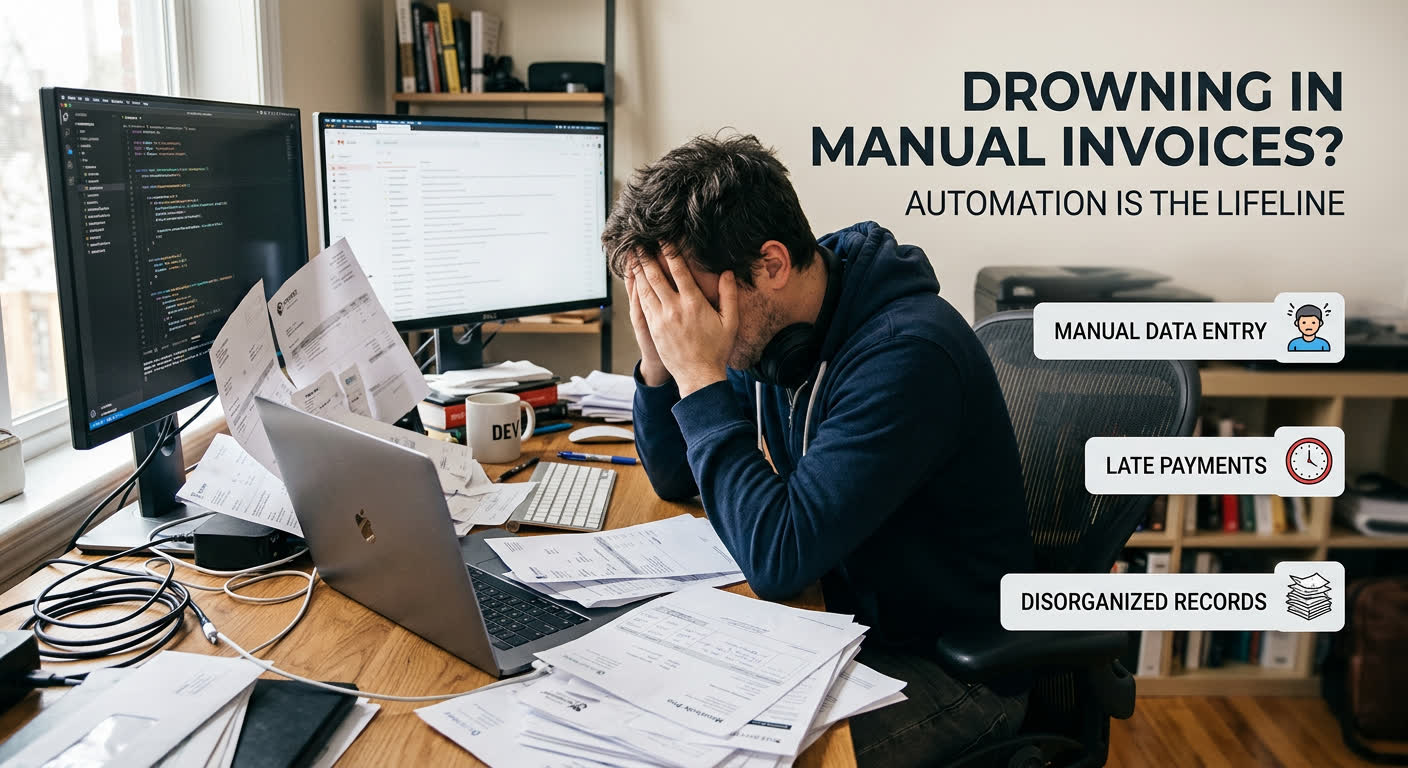
Beyond the sheer time commitment, manual invoicing is a breeding ground for errors. A misplaced decimal, a transposed number, or an overlooked detail can lead to inaccurate billing, resulting in lost revenue or strained client relationships. The reconciliation process—matching project tasks to billable hours—can become a complex puzzle, especially when dealing with multiple projects or clients simultaneously. This manual grind not only reduces your efficiency but also introduces financial and professional risks that are entirely avoidable.
The sheer volume of administrative work associated with manual invoicing can be overwhelming. For developers focused on delivering high-quality code and innovative solutions, these administrative burdens detract from their passion and productivity. It’s a cycle where the effort put into invoicing takes away from the very work that the invoice is supposed to represent. This pain point underscores the critical need for streamlining these backend processes so you can focus on what you do best.
What is Invoice Automation?
Invoice automation is the process of leveraging software and artificial intelligence (AI) to manage the entire lifecycle of your invoices. Think of it as handing off the repetitive, time-consuming tasks of creating, sending, and processing invoices to a smart system. This technology can ingest invoice data, ensure accuracy, route approvals, and even handle payment processing without constant human intervention.

At its core, invoice automation uses predefined business rules and logic. When an invoice enters the system (whether as a digital file or a scanned document), the software automatically extracts key information. It then follows a programmed workflow, asking questions like, “Does this invoice match a purchase order?” or “Does the amount fall within acceptable tolerances?” Based on the answers, it proceeds to the next step, ensuring that each invoice is handled consistently and efficiently.
This shift from manual processes to automated workflows not only slashes the time spent on administrative tasks but also significantly reduces the risk of costly human errors. By streamlining these operations, businesses can improve cash flow, maintain better vendor relationships, and free up their teams to focus on more strategic, high-value activities.
Key Strategies for Developer Invoice Automation
Integrate with Your Development Workflow
Connect your invoicing tool directly to GitHub or other version control systems to automatically pull project data. This means your invoice line items can be generated directly from your code commits and pull requests, significantly reducing manual data entry.
Leverage AI for Descriptions
Use AI to transform technical commit messages and PR summaries into client-friendly invoice line items. Tools like diffbill excel at this, translating your code jargon into professional language that clients can easily understand, saving you the mental overhead of rephrasing.
Automate Payment Reminders
Set up automatic follow-ups for overdue invoices to ensure timely payments. This not only improves your cash flow but also frees you from the uncomfortable task of chasing payments yourself.
Streamline Client Data Management
Organize client details, payment terms, and past invoices in a centralized system. This reduces the risk of errors and ensures you have all necessary information at your fingertips for each billing cycle.
Adopting these strategies is crucial for any developer or freelancer looking to optimize their financial operations. By automating the mundane aspects of invoicing, you redirect your valuable time and energy back to what you do best: coding and building. This efficiency gain is not just about saving time; it's about enhancing your professional image with timely, accurate, and well-presented invoices.
Choosing the Right Automation Tool
When selecting an automation tool for developer invoicing, prioritizing features tailored to your freelance workflow is crucial. Look for solutions that offer robust integration capabilities, especially with development platforms like GitHub and project management tools. The ability to parse and understand technical changelogs or pull request descriptions is a significant advantage. Additionally, consider tools that allow for customization in how technical details are translated into client-friendly descriptions, as this is often a major time-sink.
The core of any effective automation lies in its ability to streamline the mundane and error-prone aspects of invoicing. You want a system that minimizes manual data entry and validation, thus reducing the risk of costly mistakes. Real-time tracking of payment statuses and automated client communication, like reminders, directly contribute to better cash flow and a more professional client experience.
Here's a quick comparison to highlight the benefits of automation:
For developers, the ideal tool will not only automate the invoice creation process but also smarten it up. Features like AI-powered rewriting of technical descriptions into business-appropriate language, as well as per-client tone and verbosity controls, can save you hours per month. A solid audit trail, linking back to the source – like your GitHub pull requests – is essential for transparency and client confidence. Ultimately, the right tool should feel like an extension of your development process, not an added administrative burden.
The Tangible Benefits: Time, Money, and Sanity
When you automate invoice generation, you're not just streamlining a tedious task; you're unlocking tangible benefits that directly impact your freelance business's bottom line and your personal well-being. Imagine reclaiming entire afternoons previously lost to manual data entry and invoice formatting. This freed-up time can be reinvested into client-facing work, skill development, or even much-needed downtime, reducing the mental load that often accompanies freelance work.
Beyond time savings, invoice automation significantly cuts down on operational costs. Manual processes are inherently prone to errors, from miskeyed numbers to missed payment deadlines, which can lead to late fees or the need for costly corrections. Automation, by contrast, ensures accuracy and timely submissions, directly improving your cash flow. This enhanced financial predictability is invaluable for freelancers managing variable income.
The cumulative effect of these efficiencies is a more robust and predictable financial engine for your freelance operations. By reducing the friction in your billing cycle, you not only get paid faster but also foster stronger client relationships through professional and timely invoicing. This shift from reactive billing to proactive, automated processes allows you to focus on what you do best: delivering high-quality development work.
Transform Your Billing Workflow Today
Tired of wrestling with spreadsheets and manually crafting invoices after every sprint? It's time to reclaim your time and bid farewell to the tedious administrative overhead that eats into your billable hours. Imagine a world where your merged pull requests seamlessly transform into polished, client-ready invoices. This is precisely the future that diffbill offers, automating the invoice generation process by directly leveraging your version control activity.
This isn't just about speed; it's about precision and professionalism. diffbill intelligently translates the technical details of your pull requests into clear, concise language that your clients will understand. Gone are the days of deciphering commit messages to understand what to bill for. With features like source-linked audit trails and per-client tone controls, you gain unparalleled transparency and customization, ensuring your invoices always reflect your brand and your client's expectations.
Ready to experience this transformation firsthand? With advanced features designed for productivity and control, the Pro Plan is built for freelancers and consultants who demand more from their freelance tools. Step into a more efficient billing workflow, reduce errors, and ensure you're getting paid faster for the work you deliver.
Start billing for free