
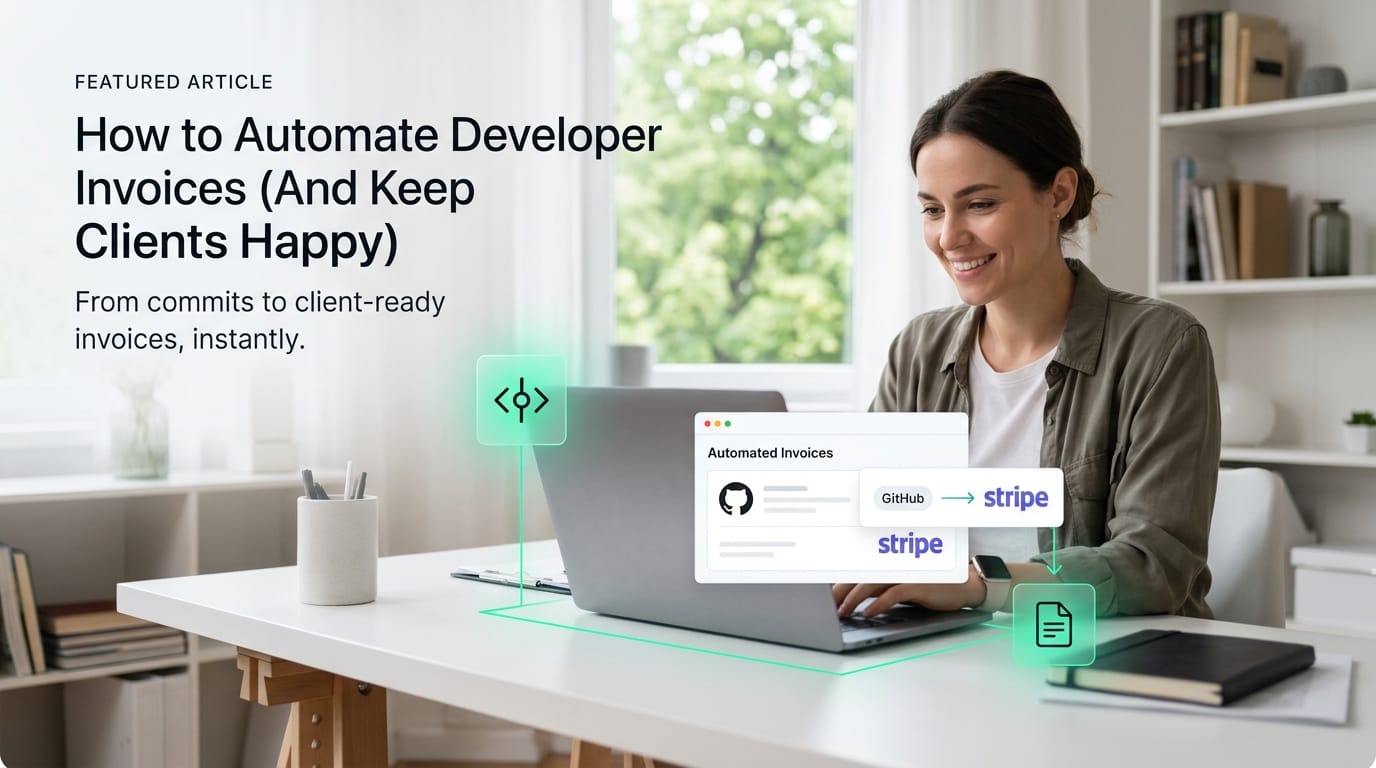
How to Automate Developer Invoices (And Keep Clients Happy)
A complete guide on how to automate developer invoices. Learn how to convert merged GitHub pull requests into client-ready billing descriptions without the manual busywork.
Learn how to stop digging through git logs and automate your developer invoices. Turn code commits and GitHub pull requests into client-ready Stripe drafts instantly.
What Is Developer Invoice Automation?
Developer invoice automation is the process of using software to instantly translate shipped code into professional, billable line items. If you are researching how to automate developer invoices, the core concept is connecting your version control repositories directly to your payment gateway to eliminate manual data entry.
Without an automated workflow, you are stuck manually copying commit histories and rephrasing git logs for non-technical clients. This manual processing carries a hidden administrative cost and increases the risk of billing omissions. Research shows that relying on software rather than manual review saves companies substantial time while significantly reducing the data entry mistakes that impact cash flow (Source 3).
Modern automation systems work by parsing data directly from your merged pull requests and applying predefined business rules. Instead of tracking down issue numbers across different project boards, the software extracts the merge date, repository details, and code descriptions. It then strips out the internal developer jargon and generates a ready-to-send draft in your financial software.
Key Takeaways
- Connects code to payments seamlessly
- Translates jargon into professional Line items
- Eliminates manual task tracking and copy-pasting
Setting up this pipeline drastically reduces your cognitive load at the end of a long sprint. You guarantee that every shipped feature is accurately captured and billed without spending hours in administrative tools. This keeps your clients happy with transparent, easy-to-read invoices while freeing you up to focus on writing code.
How to Automate Developer Invoices in 3 Steps
Figuring out how to automate developer invoices comes down to connecting your engineering workspace directly to your billing software. By automating invoicing from your GitHub repo, you eliminate the need to manually copy task details at the end of the month. Instead, a system seamlessly tracks your completed code and prepares the bill automatically.
Automated invoice processing means using software to handle your billing workflow based on predefined administrative rules. According to Source 1, reducing manual data entry in this way saves significant time and minimizes costly processing errors. For freelance developers, this means turning everyday actions—like closing a GitHub pull request—into automatic triggers that build your next invoice.
Connect GitHub
AI Translation
Sync to Stripe
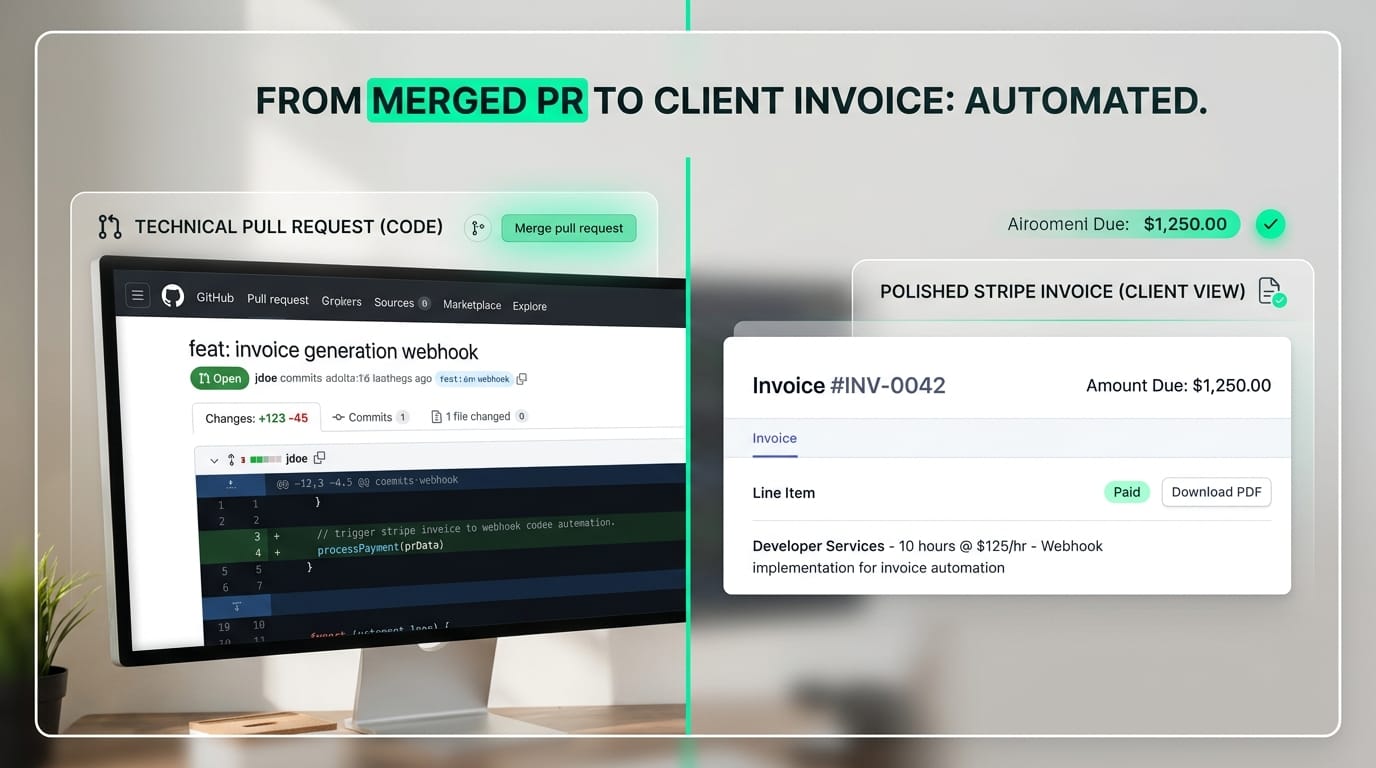
When learning how to automate developer invoices, this simple pipeline keeps your focus on writing software rather than managing repetitive paperwork. Instead of scrambling to remember what you shipped three weeks ago, your integrated system does the heavy lifting. Your completed features are reliably organized into a polished draft, ensuring your clients are happy and you accurately capture every billable update.
Manual Tracking vs. Automated Code Billing
The fastest way to lose billable hours is by manually digging through Jira tickets and GitHub logs at the end of every month. If you are learning how to automate developer invoices, the answer lies in connecting your code repository directly to your billing software. This shift replaces error-prone data entry with instant, verifiable audit trails.
Sticking strictly to a manual invoicing workflow introduces a high risk of forgetting billable work. Translating technical pull requests into client-friendly descriptions takes hours that you could otherwise bill for core development. In fact, relying on manual data entry for these repetitive back-office tasks leaves your billing cycle vulnerable to human error and delayed payments (Source 4).
Bridging the Gap Between Code and Cash
Automated billing platforms eliminate administrative busywork by extracting key data directly from your shipped work (Source 2). Instead of drafting invoices from scratch, modern software evaluates your merged pull requests and applies intelligent business rules to generate line items automatically. This creates a transparent, highly accurate billing cycle that keeps your clients informed without the extra overhead.
Transitioning to an automated workflow fundamentally upgrades how you run your consulting business. By letting software handle the administrative burden, you gain several immediate advantages:
- Recouped billable hours: Stop wasting time cross-referencing issue trackers and git logs.
- Client transparency: Provide a clear, source-linked record for every charged hour.
- Faster payment cycles: Eliminate the friction and delays inherent in manual invoicing platforms to get paid faster (Source 1).
Solving the Translation Problem with AI
Standard accounts payable software extracts text just fine, but it completely misses the context of your code. Figuring out how to automate developer invoices effectively requires more than basic data capture; you need AI that translates raw git logs into professional business value. Your client wants to pay for measurable product improvements, not backend refactoring.
General enterprise AI models are built to recognize static elements like existing invoice IDs or total amounts due (Source 2). They operate on strict "if this, then that" business rules to route bills through corporate systems (Source 3). But for a freelance engineer, the core problem isn't routing PDFs—it's converting deeply technical work into billable line items that non-technical stakeholders actually understand.
How Context-Aware AI Closes the Gap
Specialized developer billing tools flip this legacy model by acting as an intelligent translation layer between your repository and your payment processor. Instead of blindly passing along commit messages, these tools apply per-client tone and verbosity controls. This ensures your technical updates are automatically rewritten to highlight their immediate business impact.
- Raw Git log: "Refactored auth middleware and updated JWT tokens"
- Client-ready draft: "Implemented secure user login session management"
When evaluating how to automate developer invoices, prioritizing this translation step saves you from digging through old code branches at the end of every billing cycle. By automating the jump to convert a PR to an invoice draft, you can protect your unbillable hours and get right back to shipping features.
Automate Your Developer Invoicing Workflow Today
The easiest way to learn how to automate developer invoices is to connect just one active repository right before your next billing cycle. Instead of manually reviewing git logs, you can automatically transform your merged GitHub pull requests directly into client-ready Stripe drafts.
Manual billing usually means wasting hours copy-pasting code commits and translating technical work into business value. Modern automated processing systems reduce this operational overhead by replacing manual data entry with reliable digital workflows, an advantage highlighted by financial platforms like Stripe and NetSuite. By automating your pipeline, you stop losing unbillable time to administrative headaches.
Take Control of Your Billing Cycle
A professional setup does more than just move data from point A to point B. Upgrading to advanced freelancer tools lets you customize how your engineering efforts are presented to different stakeholders.
- Apply per-client tone controls: Automatically rewrite highly technical pull request descriptions into professional language your non-technical clients understand.
- Maintain an audit trail: Keep source-linked proof of the shipped work so clients never have to question a specific line item.
- Use a keyboard-first workflow: Breeze through your final review and push drafts to Stripe without ever touching your mouse.
Figuring out exactly how to automate developer invoices doesn't require adopting complex enterprise accounting software. Try letting a streamlined pipeline handle the administrative heavy lifting so you can focus on writing great code and protecting your Friday afternoons.
Start billing