
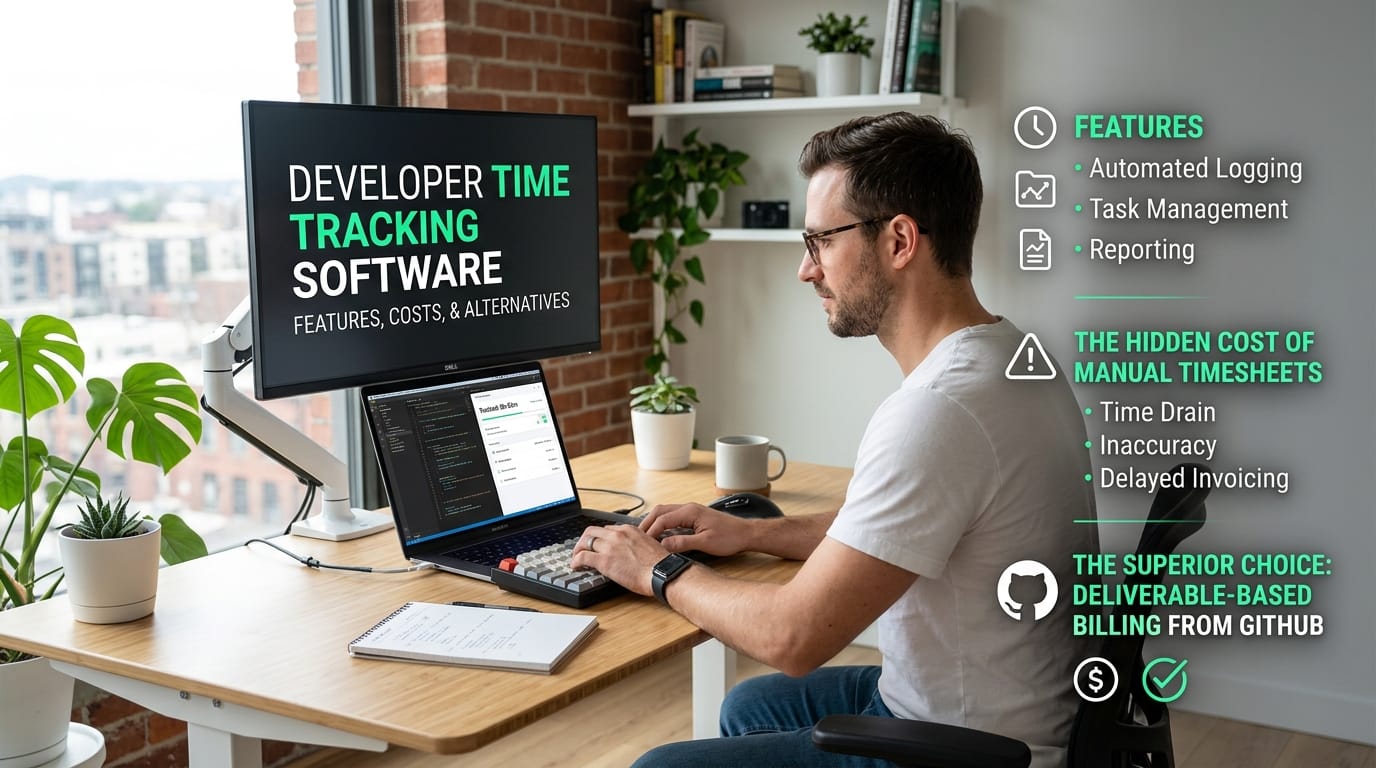
Developer Time Tracking Software: Features, Costs, & Alternatives
Discover top developer time tracking software features, compare hourly versus deliverable billing, and learn how billing by GitHub PR saves you hours on admin.
Explore the core features of developer time tracking software, the hidden costs of manual timesheets, and why moving to deliverable-based billing from GitHub is the superior choice for freelancers.
What Is Developer Time Tracking Software?
Developer time tracking software is specialized productivity tooling that captures billable hours and project progress within a programmer's existing workflow. Unlike generic apps, these tools integrate directly with code repositories, issue trackers, and IDEs to log time without interrupting deep work.
Standard time trackers usually require you to constantly switch tabs, manage manual timers, and fill out external timesheets. Developer-focused alternatives remove this friction by connecting seamlessly to the environments where you actually write code. By syncing directly with your existing infrastructure, these tools help protect your focus rather than acting as a distraction.
Designed for the Development Workflow
The main difference lies in how the software captures your activity. According to Source 1, dedicated developer trackers allow you to start and stop timers directly inside platforms like GitHub, Jira, or Trello. This means you can associate tracked hours with specific code reviews or issue numbers without duplicating data entry.
Many of these tools also offer offline tracking, automated timesheet generation, and browser extensions specifically optimized for engineering teams, as noted by Source 2. By keeping the tracking process largely in the background, you gain accurate project data while preserving the long stretches of uninterrupted time required to ship complex features.
Key Takeaways
- Focuses on non-intrusive tracking features.
- Integrates with developer tooling like GitHub, Jira, and IDEs.
Key Features of a Modern Dev Time Tracker
To keep engineers in a flow state, modern developer time tracking software must eliminate the friction of manual data entry. The most effective tools combine cross-platform support with automated activity capture, ensuring you record every billable minute without interrupting your deep work or shifting context.
Essential Capabilities for Engineering Workflows
When evaluating a new tool, focus on features that integrate completely into your existing development stack. Top-tier platforms like Clockify and TMetric offer native apps and web extensions that sync continuously across your devices. This flexibility means you can track hours accurately whether you are pushing code from your local environment or reviewing pull requests on the go.
To keep your workflow efficient, look for platforms that offer these core capabilities:
- Automated activity capture: Uses background tracking and idle detection to build a timeline of your workday, reducing the reliance on manual timers (Source 3).
- Seamless integrations: Connects deeply with project management platforms like GitHub, Jira, and Trello so you can start tracking directly from an issue or project board (Source 1).
- Offline tracking: Continues monitoring your progress even when your internet connection drops, syncing your local data safely once you are back online (Source 2).
- Visual reporting: Transforms raw timesheets into visual capacity dashboards, helping you analyze project efficiency and check team utilization at a glance (Source 4).
Ultimately, reliable developer time tracking software should operate almost invisibly in the background. By minimizing administrative overhead through smart integrations and background capture, these dashboards empower you to spend less time managing records and more time shipping high-quality code.
The Hidden Costs of Manual Timesheets
The biggest hidden cost of your current developer time tracking software isn't the monthly subscription fee. It is the invisible tax on your productivity. Sticking to the habit of manual time entry feels safe, but managing timers and logging hours easily drains up to 3 hours a month in administrative overhead.
Traditional time trackers require constant babysitting. Every time you toggle a timer to log a new task, you snap out of a flow state. As highlighted in industry breakdowns of productivity tools (Source 3), developers rely on long stretches of uninterrupted deep work to ship complex code. Breaking that focus to categorize a timesheet entry costs you far more than the few seconds spent typing.
The true price of free tracking tools
Status quo bias keeps many independent contractors tied to free invoice management tools and manual trackers simply because the routine is familiar. Unfortunately, free tools quietly cost you money through persistent workflow friction. Relying on manual input introduces several overlapping penalties to your bottom line:
- Context switching: Pausing coding sessions to start, stop, or adjust timers instantly derails your problem-solving momentum.
- Lost billable hours: When you inevitably forget to start a timer, you end up estimating your effort from memory and typically underbilling on small fixes to be safe.
- End-of-week admin: Reviewing, fixing, and exporting timesheet data at the end of a billing cycle steals valuable hours that could be spent on paid client work.
Continuing to use standard developer time tracking software just because it is a known quantity actively works against your earning potential. When you shift away from the ticking clock and move toward automated, deliverable-based workflows, you immediately reclaim both your focus and your unbilled hours.
Hourly Tracking vs. Deliverable-Based Billing
Deliverable-based billing aligns your pay directly with the value you provide, rather than the time it takes to provide it. While traditional developer time tracking software logs every minute you spend at the keyboard, billing for shipped code ensures you are rewarded for efficiency and technical skill.
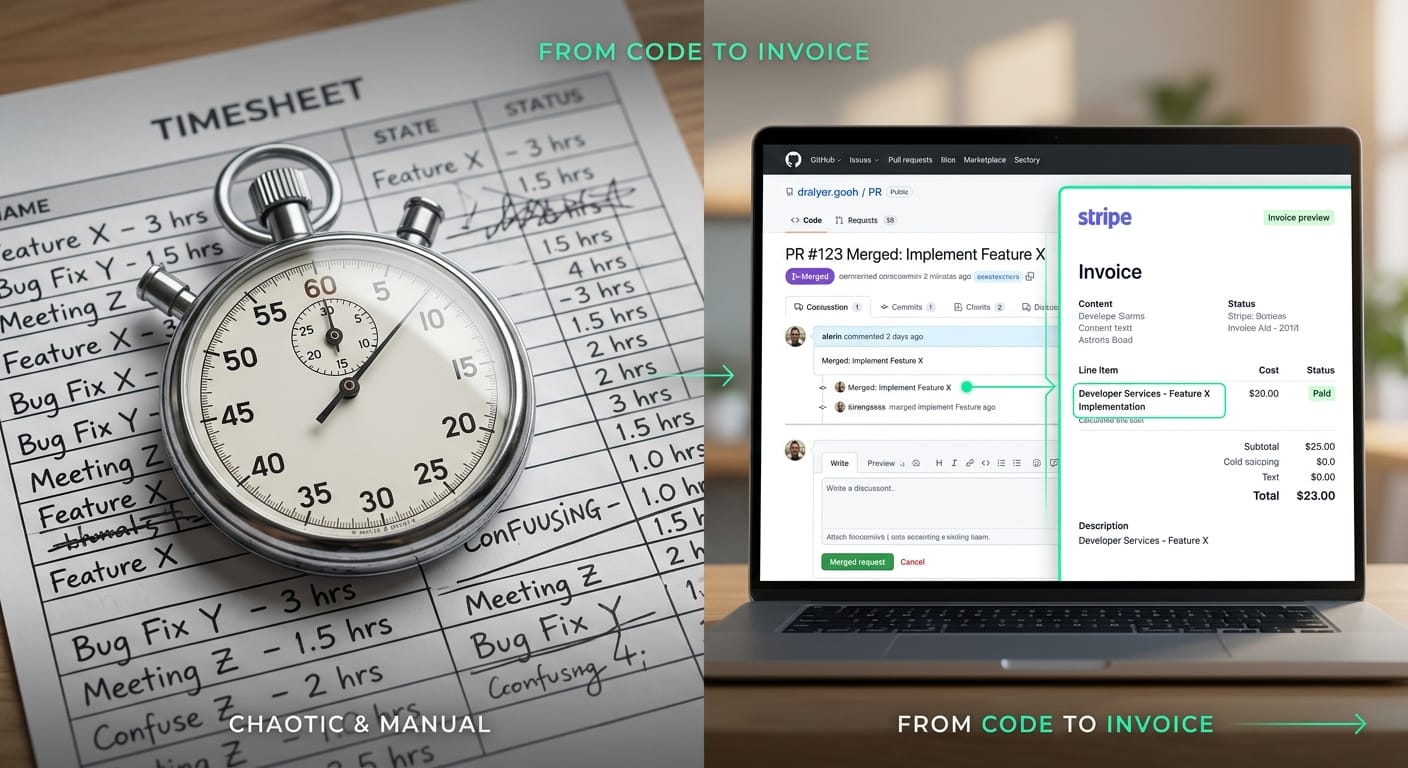
Standard time tracking tools measure project efficiency by capturing billable hours down to the minute, as highlighted by platforms like Source 2 and Source 4. However, this model creates a profound conflict of interest for experienced freelancers. If you use your expertise to resolve a complex bug in half the normal time, an hourly timesheet actively penalizes you by shrinking your invoice.
Shifting to Output-Based Invoicing
Moving away from conventional developer time tracking software to an output-based model completely changes the dynamic with your clients. Instead of justifying an eight-hour time block, you can create client-ready invoices from GitHub using concrete deliverables, like a merged pull request. This approach provides clients with absolute transparency, confidently connecting their bill to tangible shipped features rather than abstract, untrackable hours.
Transitioning out of the timesheet trap ultimately removes billing friction from your workflow while improving optics. Engineering consultants who bill directly for deliverables consistently experience:
- Fairer compensation: Fast, high-quality code yields a significantly higher effective hourly rate without inflating the client's budget.
- Zero clock anxiety: You can stop worrying about starting, stopping, or editing timers for every minor context switch.
- Stronger client trust: Clients review concrete technological outcomes reliably tied to their invoices, entirely eliminating questions about your pace or focus.
Automate Billing Directly From GitHub
If traditional developer time tracking software feels like a constant interruption, adopting developer invoicing automation strategies offers a smarter alternative. Instead of wrestling with start-stop timers, diffbill connects your GitHub activity directly to Stripe. When you merge a pull request, the platform automatically converts the PR to an invoice line item based on your actual shipped work.
Most time-tracking apps force you to remember to clock in before you write a single line of code. Diffbill removes this friction entirely by turning your repository activity into tangible proof of progress. You no longer have to export clunky timesheets or manually configure billing reports at the end of the month.
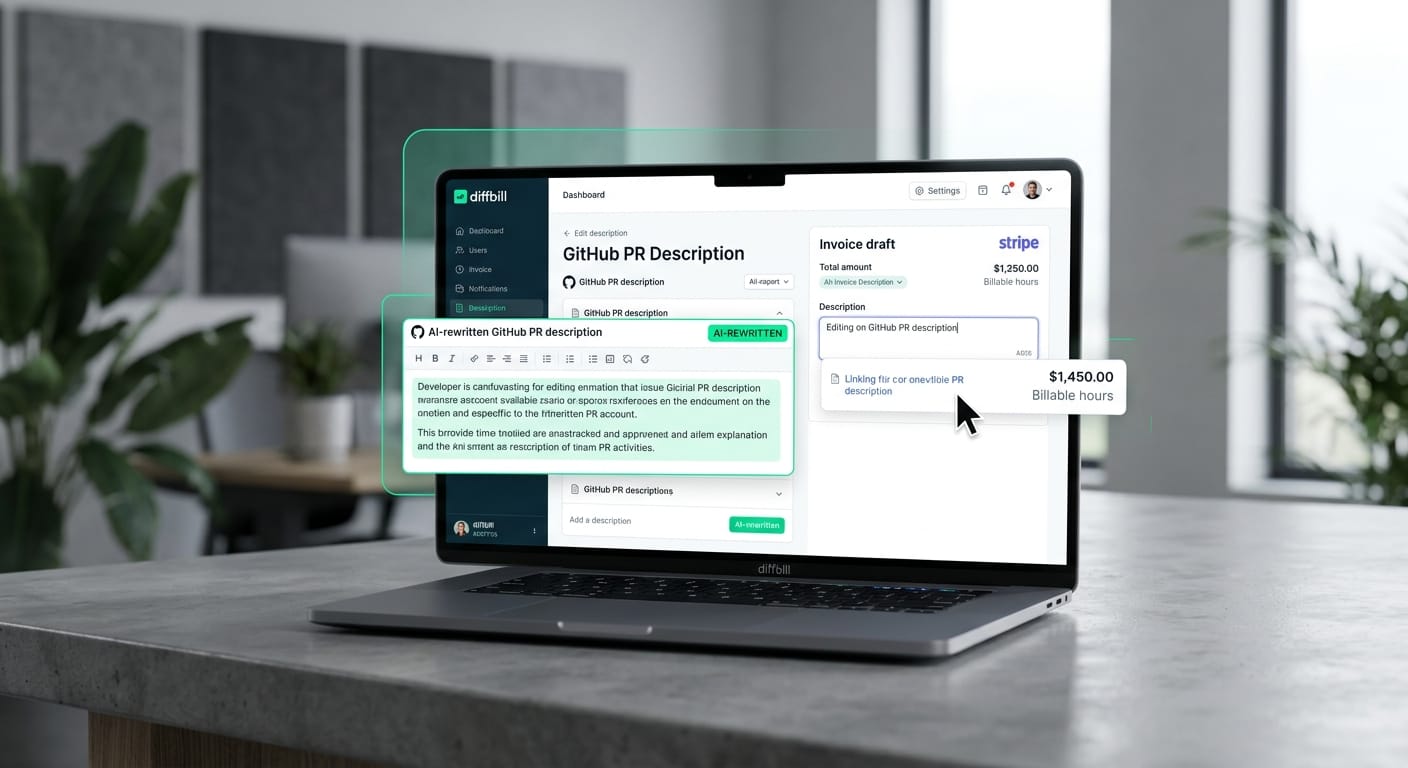
Translate pull requests into client-friendly invoices
Raw technical descriptions and quick commit messages rarely make sense to non-technical stakeholders. To bridge this gap, diffbill uses built-in AI to summarize your GitHub jargon into clear, professional phrasing.
- Reclaim admin time: Automating the translation process saves roughly five minutes of manual admin time when moving from a merged PR to client-ready line items.
- Customize your delivery: Advanced features like per-client tone controls and a keyboard-first workflow let you tailor exactly how your invoices read.
- Build client trust: Every generated draft includes a source-linked audit trail, providing total transparency into the value you provided without need for micromanagement.
For freelancers who want to escape the clock, tying your revenue to actual deliverables is a massive workflow upgrade. You get paid for the features you ship, and the administrative busywork handles itself seamlessly in the background.
Start billing
Frequently Asked Questions
Figuring out the right tool often sparks the same common questions among freelancers and engineering teams. When you evaluate developer time tracking software, the focus usually splits between finding robust free tiers and exploring automated, hands-off alternatives.
Common tracking and billing questions
Evaluating your choices means comparing traditional manual timers against modern deliverable tracking. According to Source 3, traditional developer time tracking software requires strict manual habits or passive background monitoring to capture accurate billable hours. In contrast, commit-based billing skips the clock entirely by charging for actual shipped code.
Here is a quick look at how traditional timers compare to deliverable-based setups:
- Standard timers: Require you to manually start and stop a clock for every distinct task.
- Automated apps: Monitor your active windows and apps securely in the background to build a timeline.
- Deliverable billing: Converts your merged codebase changes directly into client-ready invoice items.